
Sending Gifts is a simple and free way to help your Neighbors and show them some support. Every 18 hours, you can send Gifts to your Neighbors at no cost, so don’t forget to send them a little something to help out!
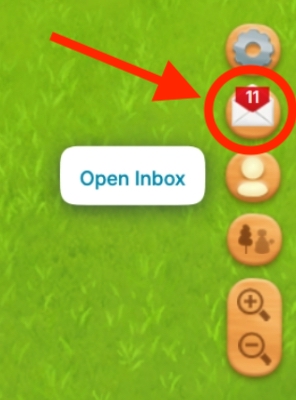
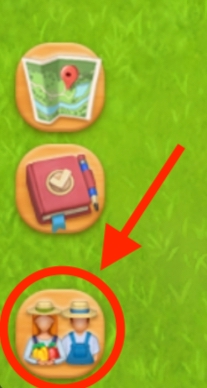
From the Right Toolbar
You can access your Inbox from the bottom-right of the game, below Settings.
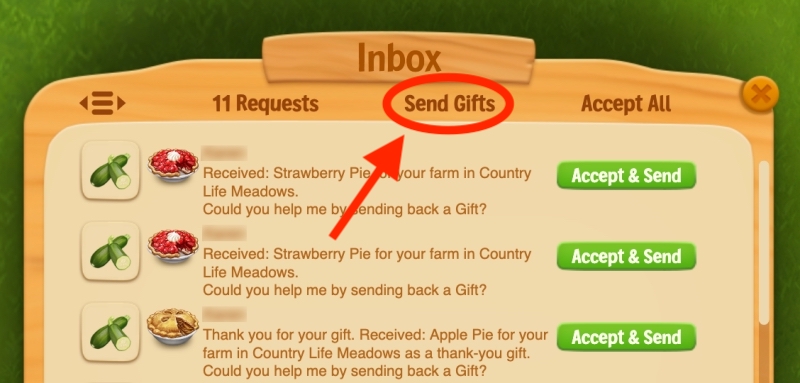
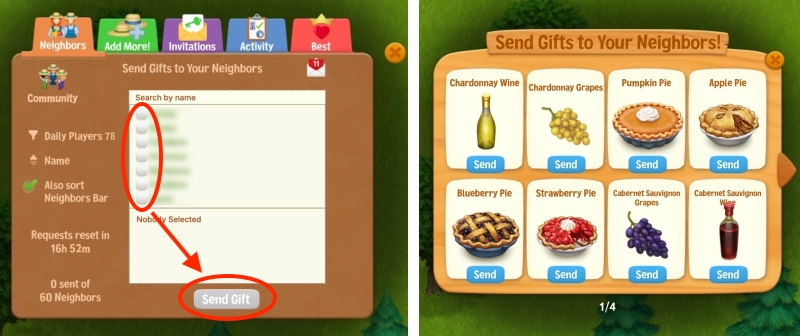
Then click Send Gifts.
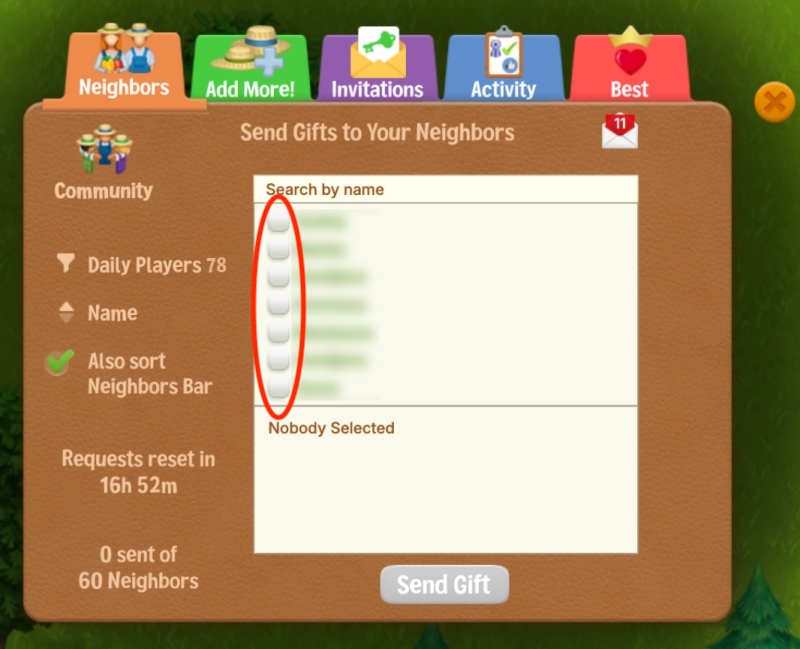
Select the Neighbors you want to send Gifts to, and you’re done!
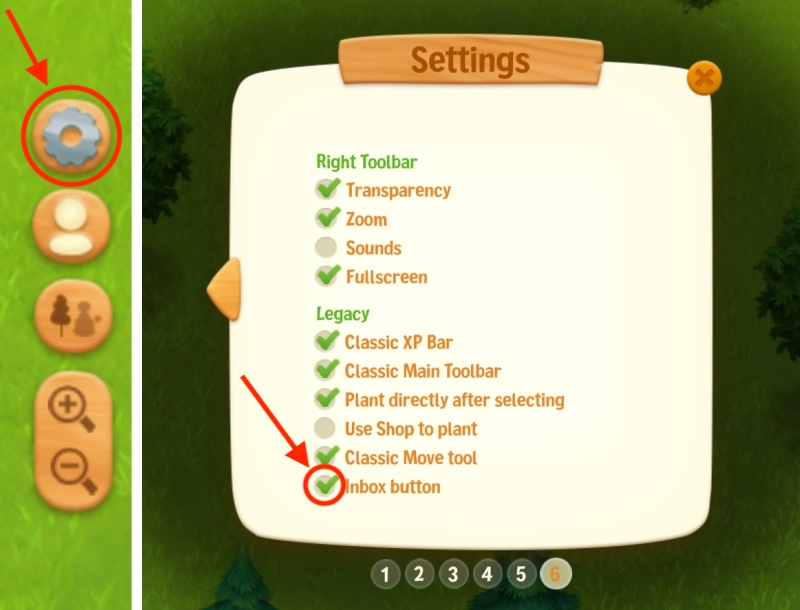
If you don’t have the Inbox button enabled, you can enable it from Settings → Page 6.
From the Neighbors Window
You can also click the Neighbors button at the bottom-left of the game.
This opens your Neighbors window. Select the Neighbors you want to send Gifts to, then click Send Gift, choose the Gift you want to send, and click Send.
Top Bar (Web Portal)
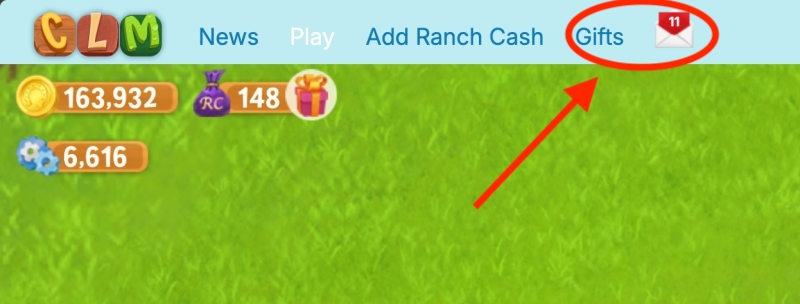
On our Web Portal, you can also access Gifts and Inbox from the top bar above the game.