
Move
To move something, click your Tools button, select the Move Tool, then click on the object.
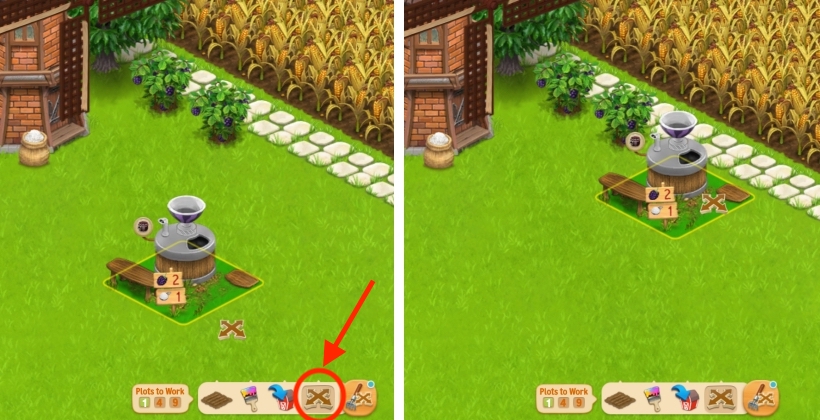
Rotate
- To rotate something, click your Tools button, hover with your mouse over the Move Tool, then select the Rotate Tool. Then, click on the object you want to rotate. Please note that some objects can’t be rotated.
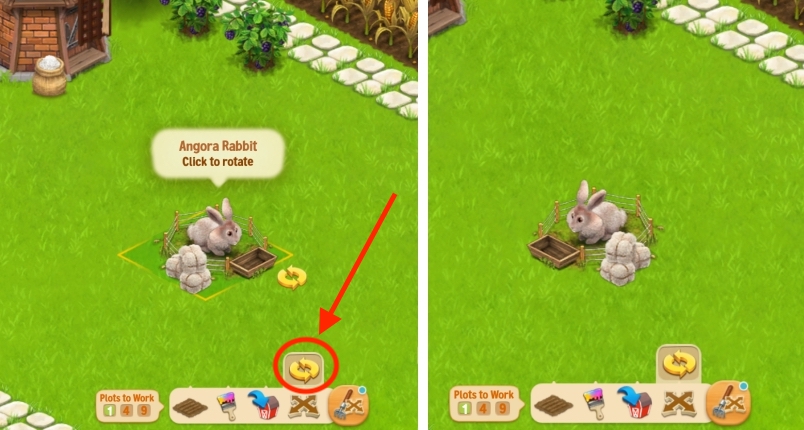
2. You can also rotate an object by selecting it with the Move Tool and pressing the Space bar on your keyboard (so, when it’s not placed yet).