Your Game ID (also called Neighbor Key) is a unique code made of numbers, or letters and numbers, that identifies your account.
You’ll need it to add Neighbors, or to give to our support team so we can look up your game if you need help.
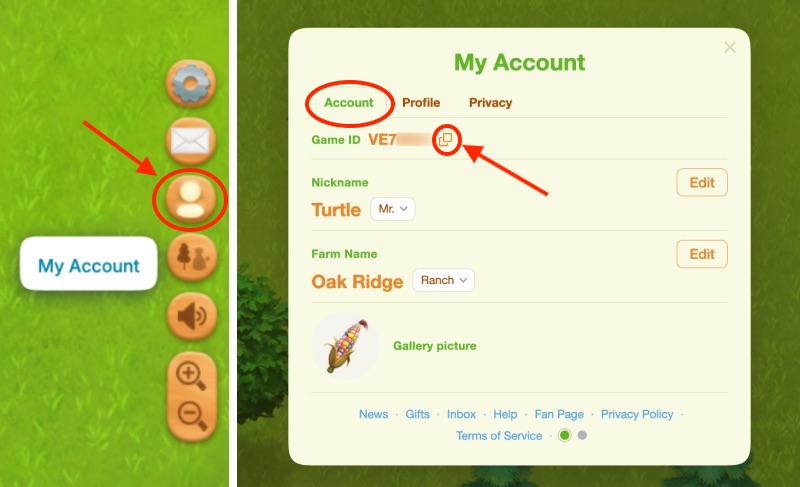
Click My Account in the Right Toolbar → My Account button > Account tab to find your Game ID. Click the Copy icon (two squares) to copy it, then paste it where needed.
Web Portal
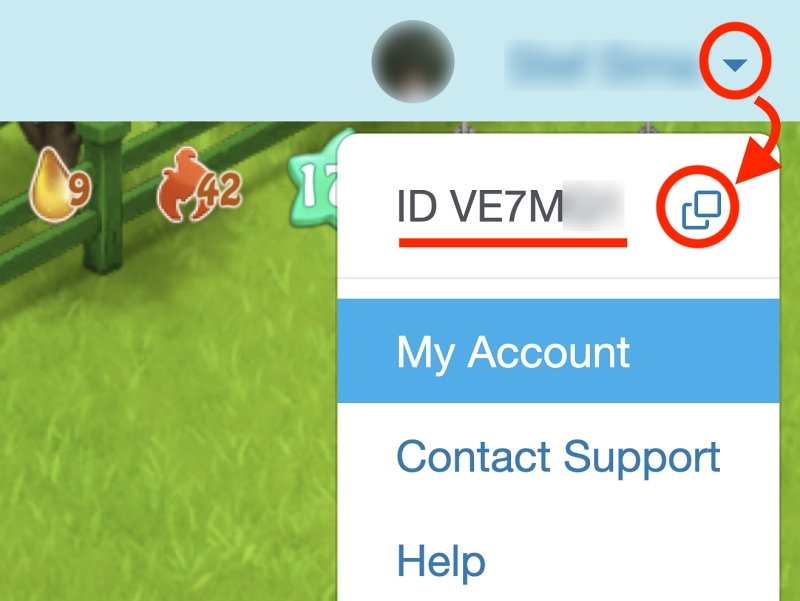
On our Web Portal, click your Name at the top-right and the Game ID/Neighbor Key will show. Click the Copy icon (two squares) to copy it, then paste it where needed.